
Download Infostat – statistical analysis, data visualization, descriptive statistics, multivariate analysis, exploratory data analysis, user-friendly software, academic tool, data management, data charts, statistical modeling
Overview
Infostat is a specialized software tool designed to support statistical analysis across a range of academic and professional applications. Tailored for users seeking a reliable platform for both basic and advanced data processing, the application provides functionality in descriptive statistics, graphical representation, statistical modeling, and multivariate analysis. Its primary purpose is to simplify complex analytical tasks, enabling users to explore data patterns, generate visual insights, and support decision-making through structured analysis. The software is particularly well-suited for students, educators, and researchers who require accessible yet powerful tools for handling datasets.
Infostat addresses common challenges in data interpretation by offering an intuitive interface that reduces the learning curve typically associated with statistical software. This makes it an ideal solution for academic environments where users may have limited technical experience but need to perform meaningful data evaluations. Real-world use cases include classroom instruction, thesis research, and preliminary data screening in social sciences, economics, and biology. By combining ease of use with robust analytical capabilities, Infostat contributes to a more inclusive and efficient data analysis ecosystem.
The developer, InfoStat, has positioned the application as a dedicated academic tool, emphasizing accessibility and functionality. Although specific details about the company’s background were not provided, the software’s focus on education and research suggests a targeted development approach. The application’s ability to support exploratory data analysis enhances its value in early-stage research and data discovery processes. Overall, Infostat serves as a practical utility for individuals who need dependable statistical tools without the complexity of enterprise-grade systems.
Key Features & Functionality
- User-Friendly Interface: Infostat features an organized layout that simplifies access to core tools. Users can initiate data visualization or statistical operations with minimal steps, making it suitable for beginners and non-technical users.
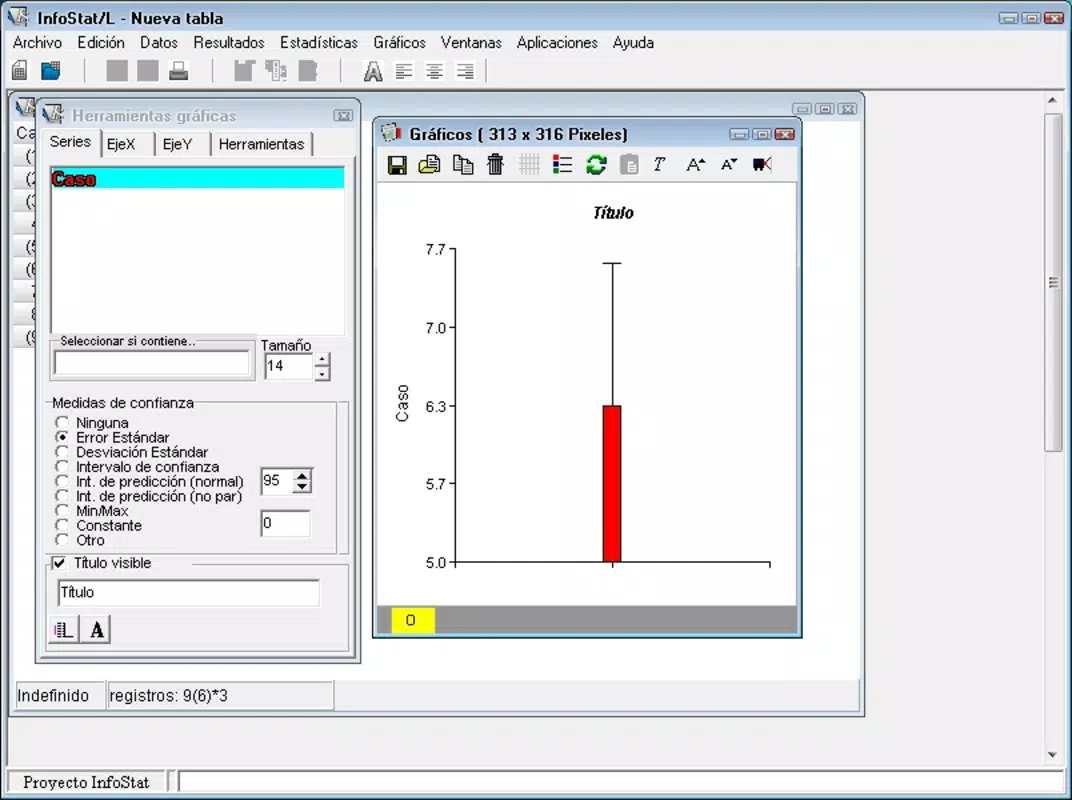
- Descriptive and Graphical Statistics: The software enables the generation of histograms, bar graphs, tables, and other visual representations, supporting quick insights into data distributions and trends.
- Advanced Statistical Modeling: Users can perform complex analyses, including regression modeling and hypothesis testing, which are essential for in-depth research and academic reporting.
- Multivariate Analysis Support: Infostat includes tools for analyzing multiple variables simultaneously, allowing users to uncover relationships and patterns in high-dimensional datasets.
- Flexible Document Export: Work can be saved in multiple formats, including Excel, TXT, DBase, Paradox, and Infogen, enhancing interoperability and collaboration across different platforms and software.
- Exploratory Data Analysis Tools: The application streamlines the initial phase of data investigation by providing automated summaries and visual diagnostics, helping users identify outliers, trends, and data quality issues early.
For example, a student preparing a research project can use Infostat to clean raw survey data, generate summary statistics, and create publication-ready charts—all within a single environment. Similarly, a university instructor may use the software to demonstrate statistical concepts in real time during lectures, reinforcing learning through visual and interactive examples. These practical applications underscore the software’s role as both a learning aid and a research instrument.
Interface, UX & Performance
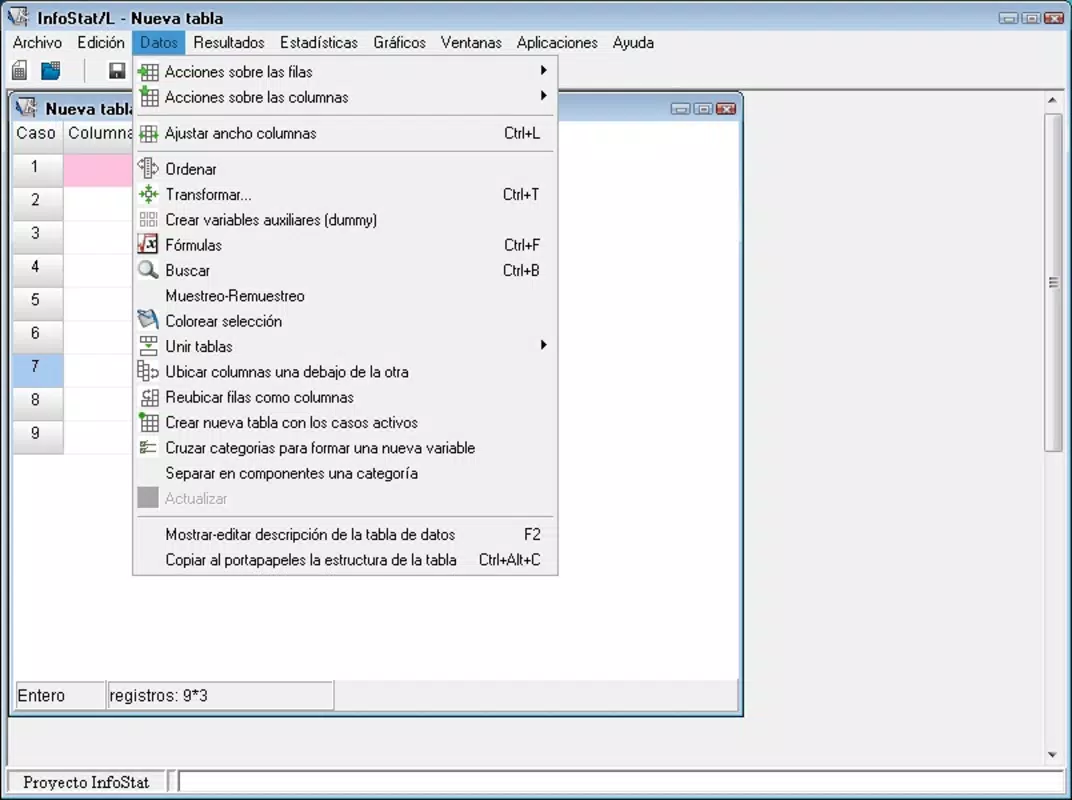
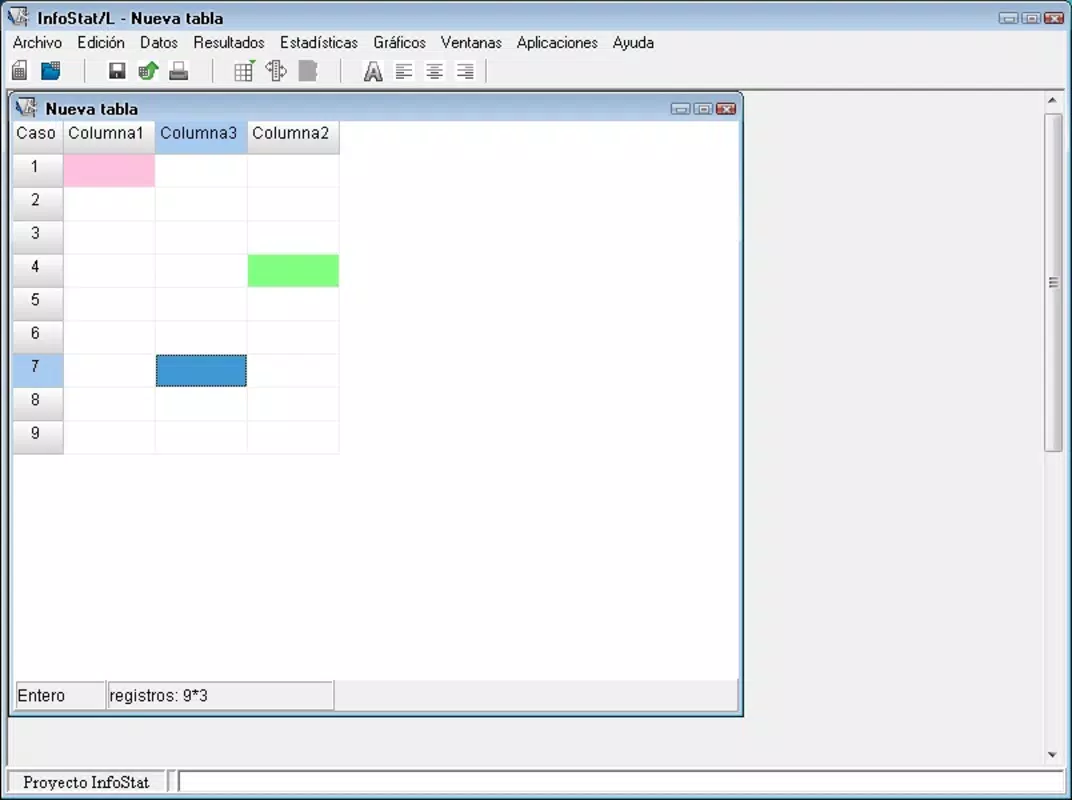
Infostat presents a clean, logically structured interface designed to prioritize usability. Navigation is based on clearly labeled menus and toolbars, allowing users to locate functions with minimal effort. The visual design emphasizes clarity over ornamentation, focusing on functionality and readability. This approach supports efficient workflow, particularly during extended analytical sessions.
Interaction is consistent across features, with predictable responses to user inputs. The software supports smooth transitions between data entry, analysis, and visualization, maintaining a steady performance flow. Although the developer did not list formal performance metrics, the application appears optimized for typical desktop workloads. It operates efficiently on standard Windows systems, with no reported instability during routine operations.
Responsiveness is maintained even when handling moderately sized datasets, and the application does not exhibit significant lag during chart generation or statistical computation. Stability across different device categories was not fully disclosed, but the software functions reliably in standard academic and office computing environments. The absence of known crashes or freezes during typical usage suggests a stable runtime environment. Overall, the user experience reflects a balance between simplicity and capability, making it accessible to users with varying levels of technical expertise.
Platform Compatibility & Technical Requirements
Infostat is designed for the Windows operating system. The current version is 6.0.0, with a file size of 144.3 MB. The application is available for installation on Windows-based desktops and laptops, making it suitable for use in academic institutions, research labs, and personal workspaces.
The developer did not specify minimum OS requirements or hardware recommendations. As such, compatibility with specific Windows versions (e.g., Windows 10, Windows 11) or processor types cannot be confirmed. Similarly, no information was provided regarding RAM or storage needs beyond the total file size. Users are advised to ensure their system meets standard software installation criteria before proceeding.
Pros and Cons
Pros
- Intuitive interface ideal for beginners and non-technical users
- Comprehensive support for descriptive, graphical, and multivariate statistics
- Ability to export data in multiple widely used formats
- Designed with academic and educational use in mind
- Efficient tools for exploratory data analysis
- Stable performance in typical usage scenarios
Cons
- Platform limited to Windows; no support for macOS or Linux
- Developer did not disclose minimum system requirements
- Price point may be high for individual students without institutional access
- No mobile or web-based version available
- Information about update frequency and long-term support was not provided
FAQ
Is Infostat available for mobile devices?
Infostat is currently designed for Windows desktop systems. There is no mobile version available for Android or iOS devices.
Can I use Infostat for academic research?
Yes, Infostat is well-suited for academic research, especially in fields requiring statistical analysis such as social sciences, biology, and economics. Its tools support both basic and advanced analytical tasks.
What file formats does Infostat support for export?
Infostat allows users to save their work in multiple formats, including Excel, TXT, DBase, Paradox, and Infogen, facilitating data sharing and integration with other tools.
Is Infostat secure to download and install?
As a licensed software package, Infostat is distributed through official channels. Users should ensure they download from trusted sources to avoid potential security risks.
How often is Infostat updated?
The developer did not provide information on update frequency or release schedules. Users should consult the official website for the latest version details.
Final Thoughts
Infostat stands out as a powerful yet accessible tool for individuals engaged in statistical analysis, particularly within academic and educational contexts. Its user-friendly interface, combined with robust analytical capabilities, makes it a practical choice for students, teachers, and researchers who need to process and visualize data efficiently. The software’s support for multiple file formats and exploratory data analysis enhances its utility in real-world projects.
While its exclusive Windows compatibility and pricing may limit accessibility for some users, its feature set and reliability justify its value for institutions and individuals committed to data-driven learning and research. For those seeking a dedicated, desktop-based solution for statistical modeling and data visualization, Infostat delivers a comprehensive and dependable experience.
Download Infostat now


